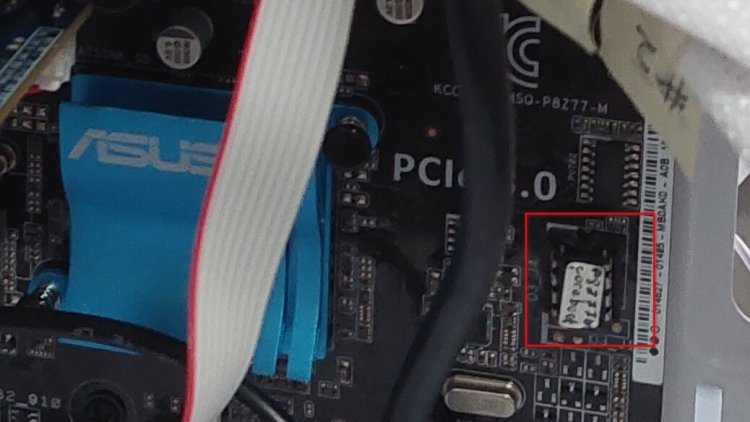
I decided to have another build of coreboot. This time on a desktop system.
Why desktop? because it offers more freedom than laptop.
Hardware
For the hardware, I got:
- ASUS P7Z88-M motherboard, for which the coreboot would be built for.
- Intel i7-3770K Processor
- 32GB of DDR3
- Radeon GPU
To complete my build, I got:
- 700W Power Supply
- Micro ATX PC case
- a couple SSDs
- a WiFi card
- cooler, including 6 fans, and an upgraded CPU cooler
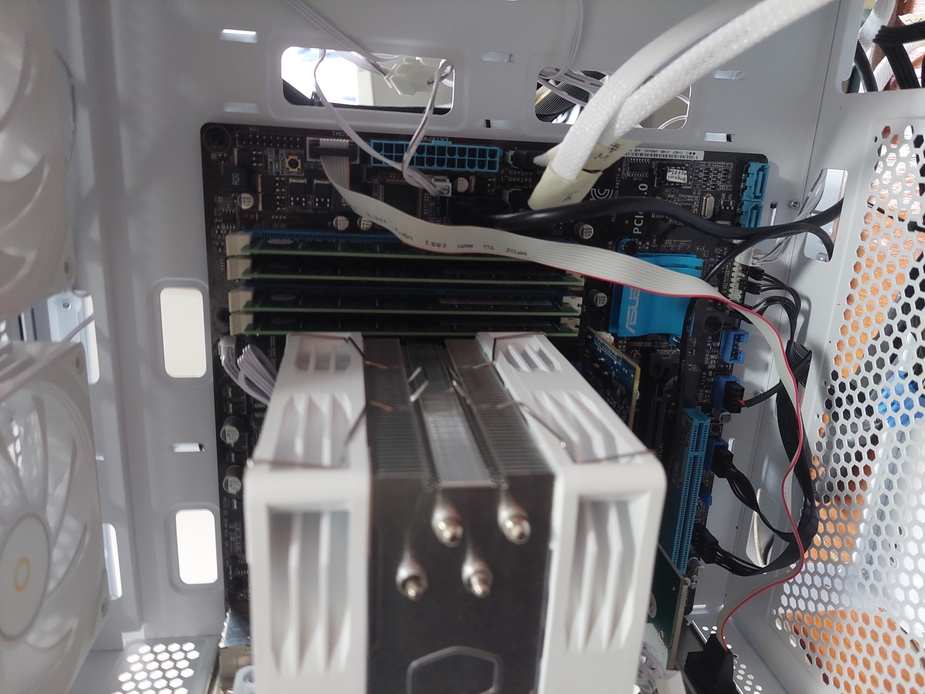
Yes, the cooling fan is a bit humongous.
BIOS Extraction
Can you spot the BIOS chip from the above picture?
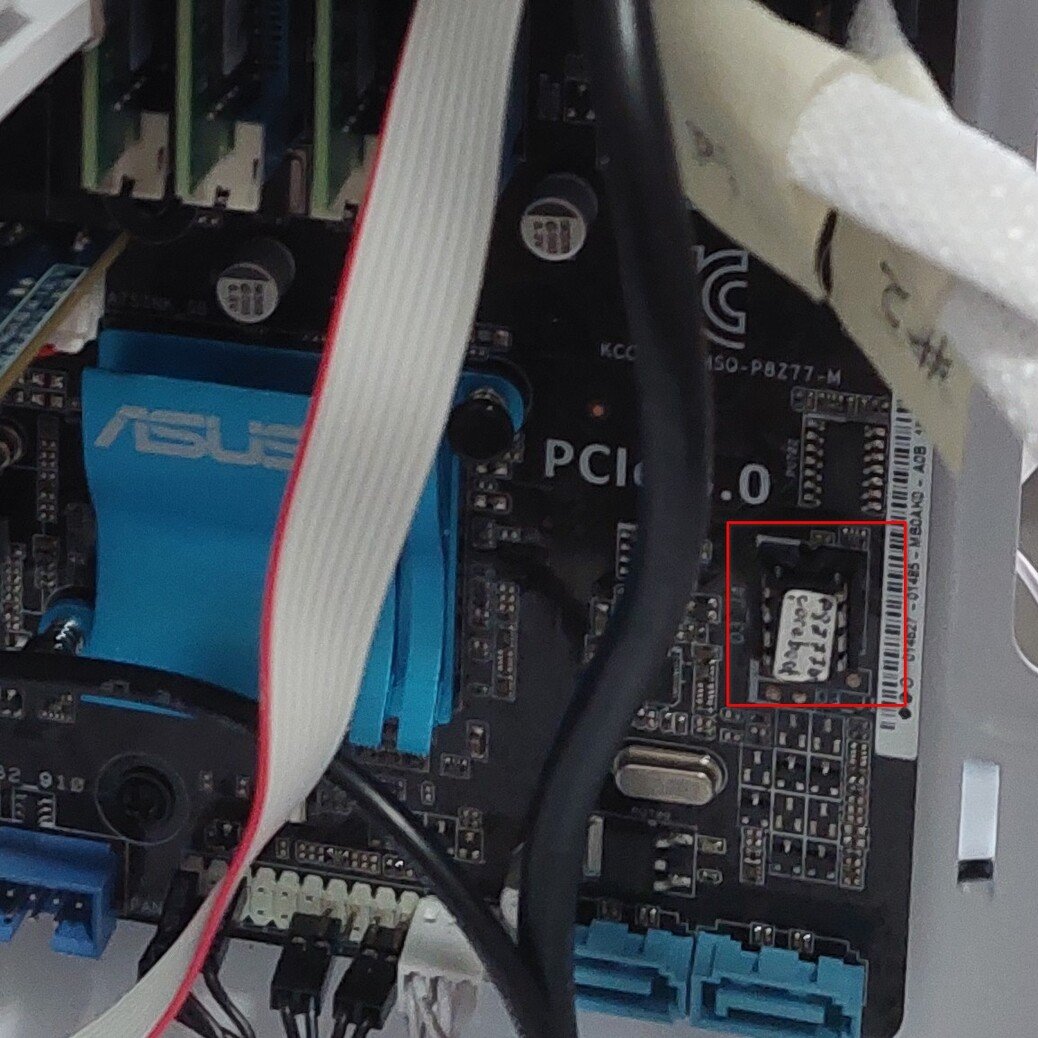
How about now?
The chip is in DIP-8 form instead of the SOIC-8 that the Thinkpads use.
I cannot use the test clip for the chip, but I can indeed remove it with an extractor and plug it directly to the CH341a programmer.
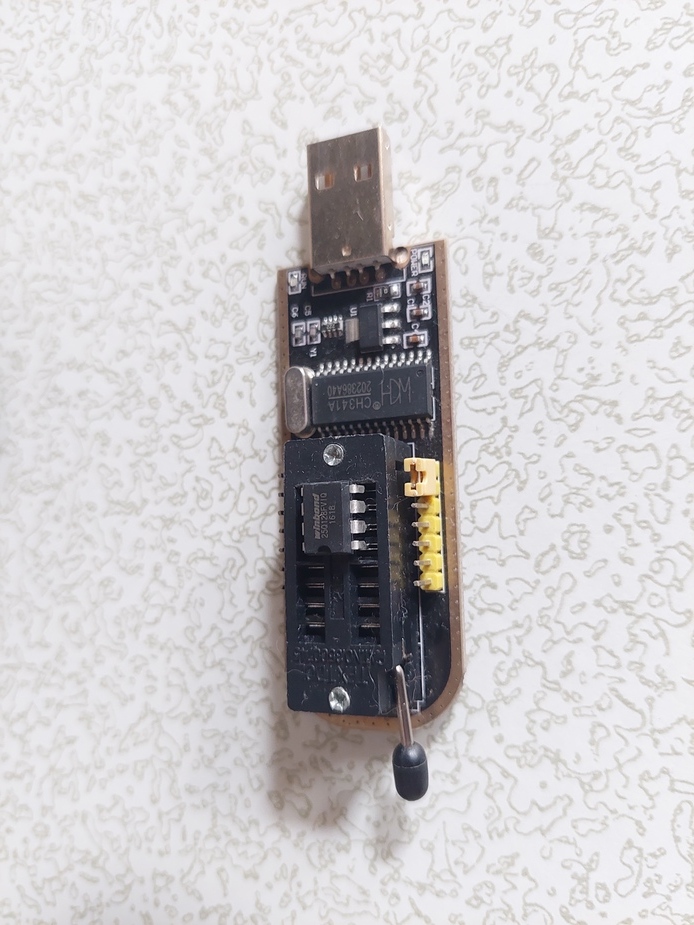
From there, I can then use the flashrom and the rest goes like the previous process.
flashrom -p ch341a_spi -r p8z77m-dump.romcoreboot
As usual, I extracted the firmware descriptor from the dump and included it in the config. Most of the config parameters are the same, save for the board specific configs like the brand and model name as well as the flash chip size.
For the VGA BIOS, I left it empty so that the one in the PCIe gets executed. I built it with SeaBIOS, just like my previous builds.
I ran make -j8 like usual and flashed it on a new 8 MiB chip. Then I put it on the board.
I managed to boot with a Linux LiveUSB. Everything worked fine until the system entered the GFX mode, where it became jittery. I tried tinkering with the PCIe configs, but to no avail.
In the end, what's working for me is the EDK2 UEFI payload with libinitgfx for the graphic initialization library. Everything is working well. My only complaint is that it cannot load secondary payload like SeaBIOS. It doesn't have the capability to read CBFS content.
For the bootable media, only the ones with UEFI enabled can boot. I cannot boot for legacy BIOS anymore, which means my custom bootables for my Thinkpads running SeaBIOS won't work.
Oh well, at least it's working fine now.
